Share
FL Studio Fruity Edition
FL Studio Fruity Edition
* We only accept verified PayPal account payments
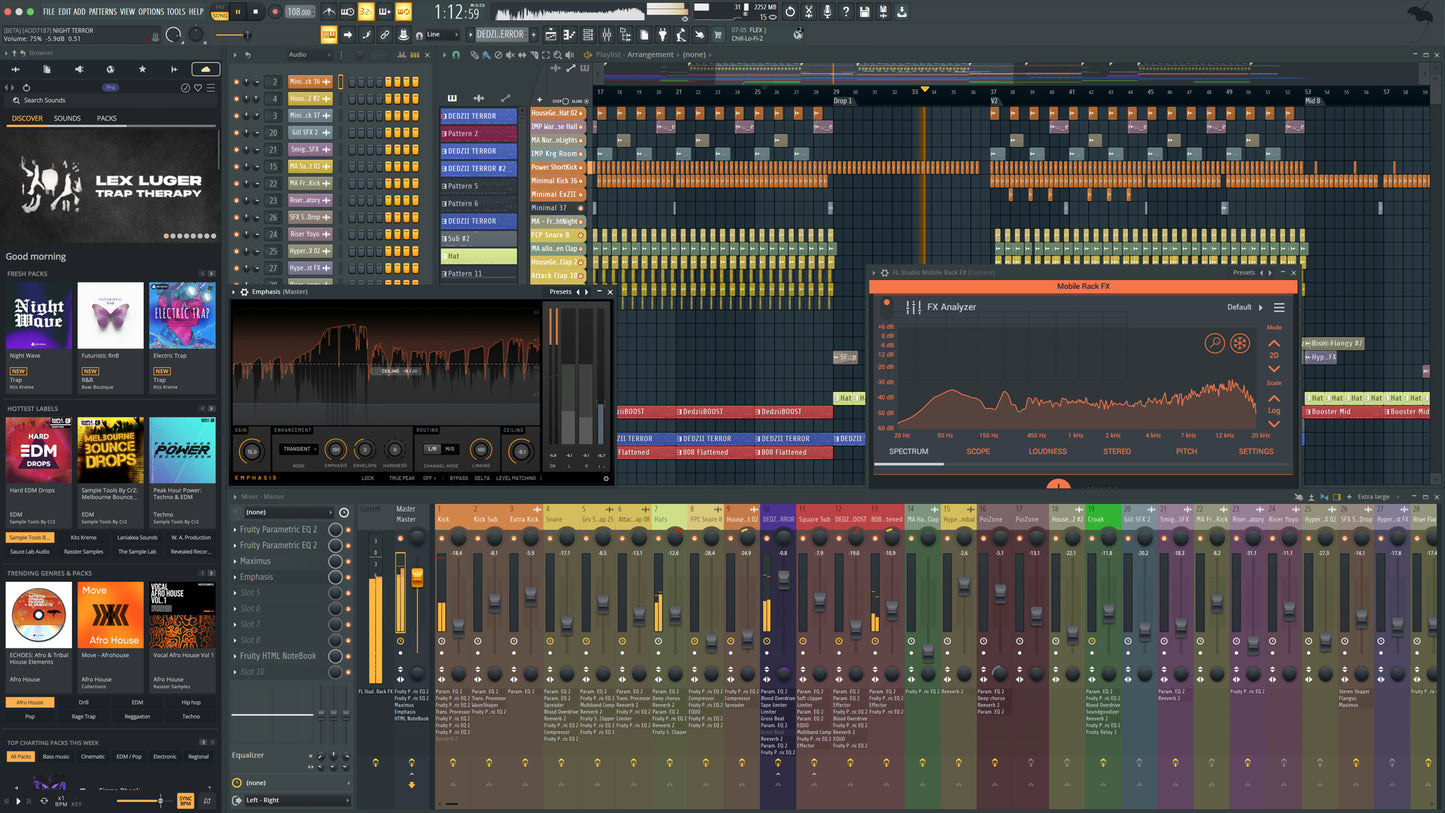
FL Studio Fruity Edition delivers a streamlined yet powerful entry point into the world of music production. It includes everything you need to start making professional-sounding tracks, from beatmaking and arranging to MIDI editing and sound design — all inside FL Studio’s fast, intuitive interface.
FL Studio pushes things further with a host of creative tools and workflow upgrades designed for modern producers. Whether you're layering drums, shaping melodies, or sculpting sound, the Fruity Edition offers a responsive, creative environment that grows with your skills. From dynamic mixer tracks and deep audio clip control to drag-and-drop loop generation and real-time mastering previews, this version delivers precision and performance without complexity. And with Lifetime Free Updates, you’ll always be up to date — no subscriptions, no upgrade fees.
You’ll also find extensive MIDI support, flexible automation, hardware integration for MIDI controllers and synths, and multi-language interface options. Custom color themes let you personalize your workspace, and modulation links let you control almost anything with anything. Whether you're working in EDM, hip hop, trap, or experimental genres, FL Studio Fruity Edition gives you the tools to move fast and sound great — from the first idea to the final export.
What’s New in FL Studio
The all-new FLEX
At the center of the update is a completely rebuilt version of FLEX - FL Studio’s most popular plugin. It’s the first major refresh since its release in 2019. The new version introduces a deeper browser that lets users search across all packs, preview sounds faster, and narrow results using advanced filters, including genre categories. A new engine reduces CPU usage for all new and future packs, while the brand-new Core Series adds eight free sound packs spanning more than 200 presets, available to all FL Studio users. Plugin artwork is now displayed at full size, creating a more immersive and inspiring visual experience.
Hands-on assistance, built in
The update also launches with an expanded version of Gopher, FL Studio’s built-in workflow assistant. Beyond answering questions, Gopher can now perform actions directly inside projects, including organizing tracks, routing mixer channels, setting levels, adjusting plugin parameters, generating Piano Roll content, highlighting features and interface areas to guide workflows, creating VFX scripts, and much more.
The expanded capabilities are designed to help new users learn the software while accelerating workflows for experienced producers. Importantly, Gopher does not train on user data, and this expansion is only the first step, with more capabilities to be added in the future based on community and user feedback.
Instant chord detection
The Chord Panel now detects notes and chords directly in the Piano roll. Stay in key, understand your ideas faster, and try new progressions without guessing. Just activate it in your toolbar.
Plus more workflow improvements
Remix a Song tool
- Easily remix Songs by starting with the correct BPM and Stems seperation.
Luxeverb
- Now updated with a feed-forward mode and 100 new presets.
Chord Stamp Tool
- Added top-down and bottom-up voice-leading modes for fast inspiration.
Label Piano Roll notes
- You can now Rename notes in Piano Roll, letting you create visual cues for things like melodic changes.
Audio Clip Gain Controls
- Makes it easy to bring clips to a consistent level. Apply it to a single clip or a full selection and keep everything balanced without extra steps.
Audio Logger
- Keeps the last 60 seconds of your Master output ready to recover at any time. If you play something great without recording, it’s still there.
Key Features
- 53 effects included
- Basic feature set
- 23 Instruments included
System Requirements